> ## Documentation Index
> Fetch the complete documentation index at: https://docs.spurtest.com/llms.txt
> Use this file to discover all available pages before exploring further.
# Web Link vs Domain
> When configuring Web URLs in your environments, you can choose between two types: Domain and Web Link. Understanding the difference helps you organize tests efficiently and maintain flexibility across your testing workflow.
## Domain
A **Domain** represents your main website or application root. Use domains when tests need to start from the homepage and then navigate across multiple pages.
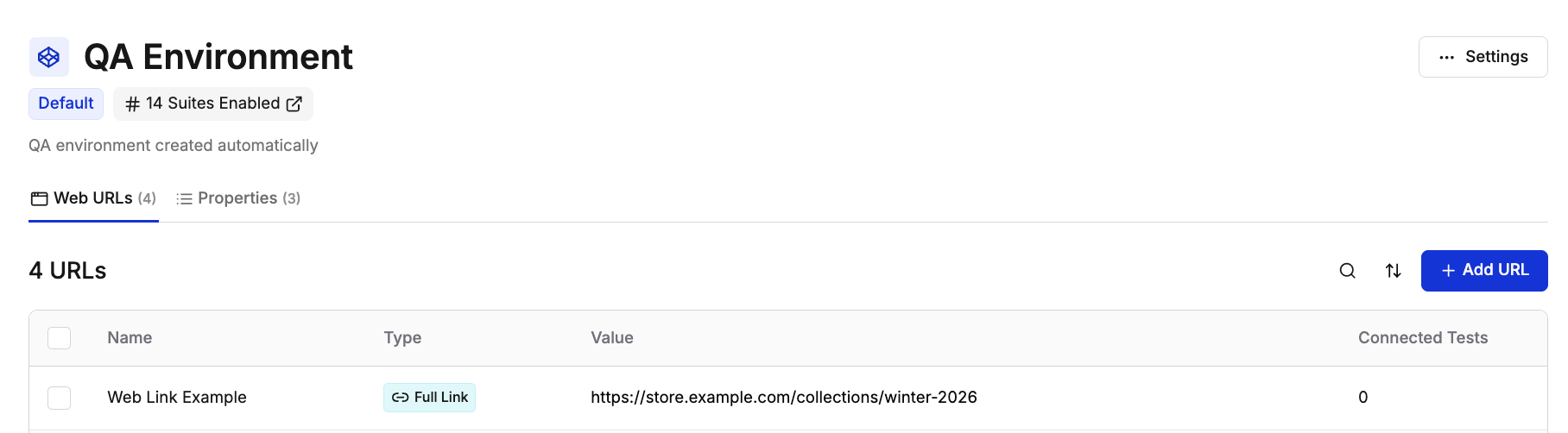 When you reference this domain in a test, the Spur Agent starts at the root URL and can navigate to any page within the site.
## Web Link
A **Web Link** refers to any specific page or URL within your application. Use web links when tests focus on particular pages or features without requiring homepage navigation.
When you reference this domain in a test, the Spur Agent starts at the root URL and can navigate to any page within the site.
## Web Link
A **Web Link** refers to any specific page or URL within your application. Use web links when tests focus on particular pages or features without requiring homepage navigation.
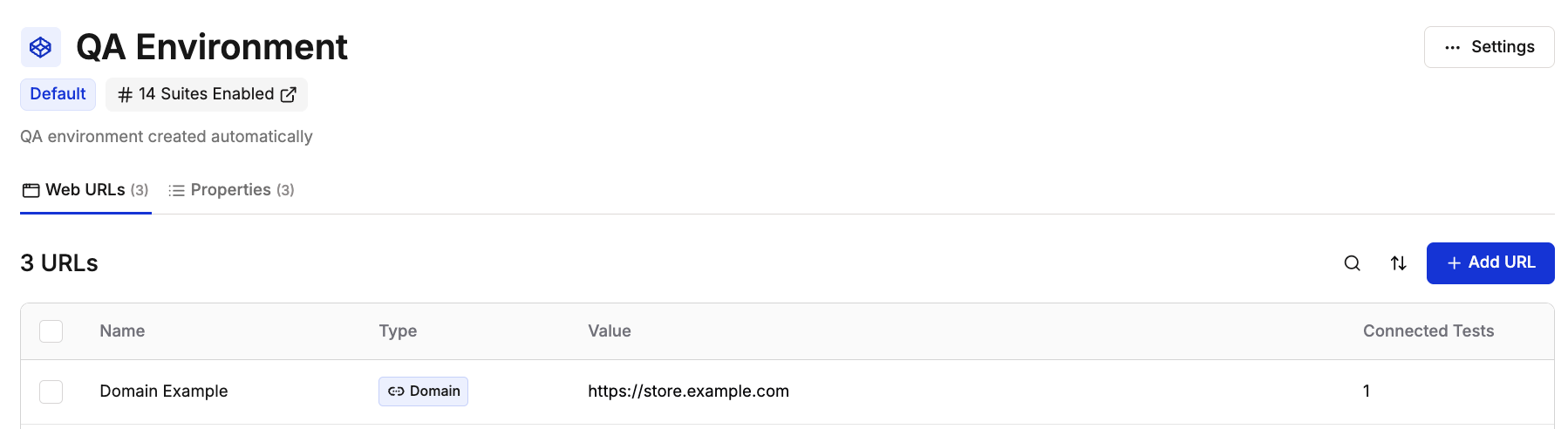 When you reference this web link in a test, the Spur Agent starts directly at that specific URL.
## Choosing Between Domain and Web Link
* Tests need to start from the homepage
* You're testing navigation flows
* Tests span multiple sections of your site
* You want flexibility to navigate anywhere from the root
* Tests focus on a specific page or feature
* You need to test deep-linked pages directly
* Starting from a particular URL saves time
* Testing isolated page functionality
## Environment Configuration
Within each environment, you can configure multiple domains and web links to cover all testing scenarios. This allows you to maintain separate URLs for staging and production while keeping test logic consistent.
When you reference this web link in a test, the Spur Agent starts directly at that specific URL.
## Choosing Between Domain and Web Link
* Tests need to start from the homepage
* You're testing navigation flows
* Tests span multiple sections of your site
* You want flexibility to navigate anywhere from the root
* Tests focus on a specific page or feature
* You need to test deep-linked pages directly
* Starting from a particular URL saves time
* Testing isolated page functionality
## Environment Configuration
Within each environment, you can configure multiple domains and web links to cover all testing scenarios. This allows you to maintain separate URLs for staging and production while keeping test logic consistent.
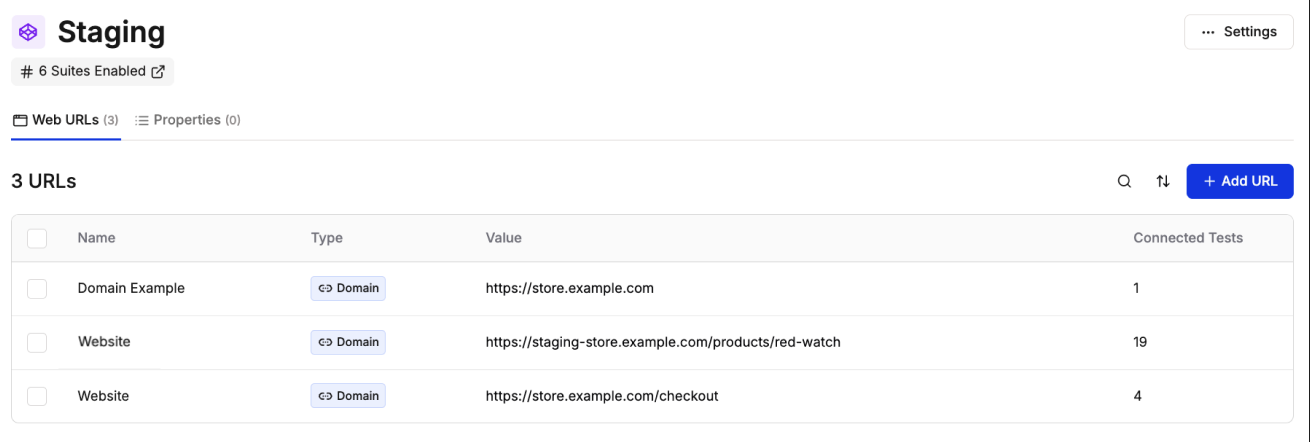 Need to temporarily test against a different URL (like a deploy preview) without changing your environment settings? Use [Override URLs](/running-tests/cicd/override-urls) to redirect at runtime.