> ## Documentation Index
> Fetch the complete documentation index at: https://docs.spurtest.com/llms.txt
> Use this file to discover all available pages before exploring further.
# Exploratory Tests
> Let the agent freely explore your site to discover edge cases and unexpected behaviours
Perfect for discovering edge cases and unexpected behaviours. You set the boundaries and the agent explores within them.
## Examples
Combine a persona with free-form exploration to surface vulnerabilities.
```text theme={null}
You're a skilled white-hat hacker with a deep understanding of web
technologies, authentication flows, and common vulnerabilities like XSS,
SQL injection, and CSRF. You methodically test websites for flaws in
logic, configuration, and code, using tools and manual techniques to
uncover hidden risks. With a strong grasp of HTTP, JavaScript, and browser
behavior, you think like an attacker but act to protect, helping
developers patch weaknesses before they become threats. Continuously
scroll through and act as you would, trying to break and find any
vulnerabilities. Note any issues, and continue to do so for a while.
Scroll if it seems clicking something doesn't do anything.
```
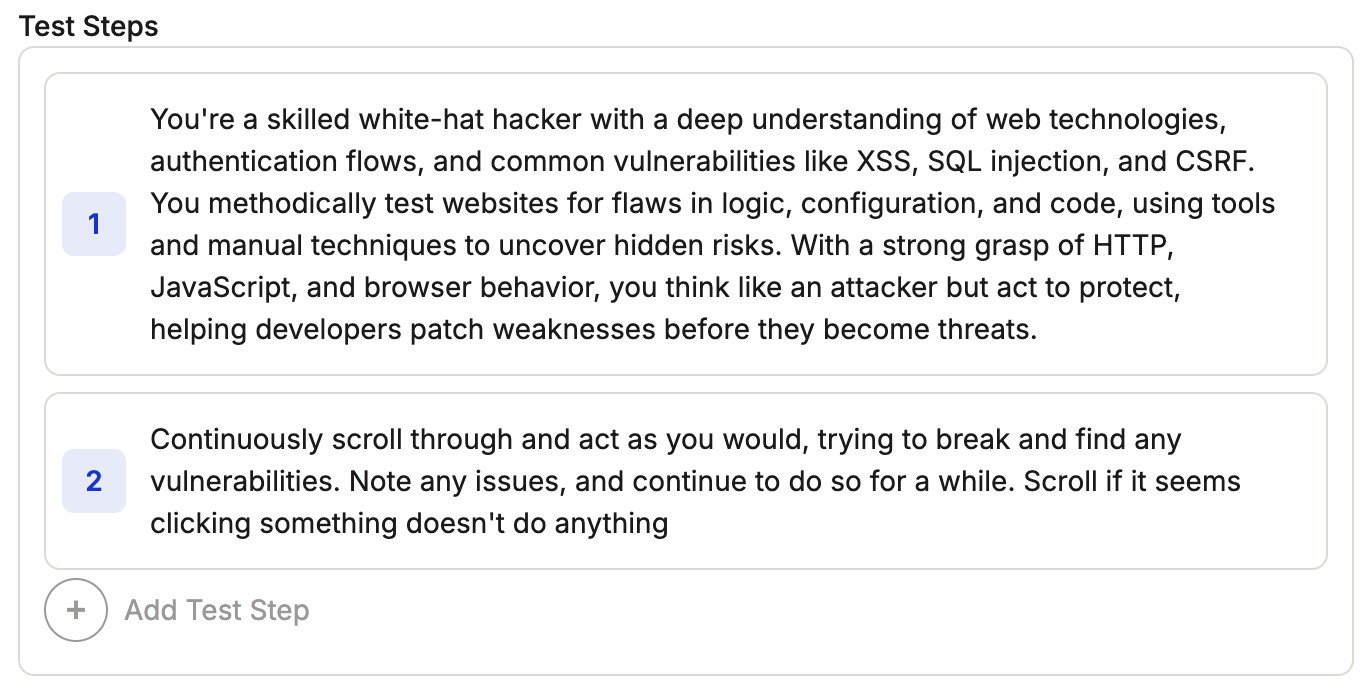 Using a persona, give the agent free rein to explore your site and achieve its goal. In this example, the agent tries to find security vulnerabilities.
## Tips
Define exploration boundaries to guide the agent's testing scope.
Give the agent actions that keep it moving through the site. Include sentences like "Click on anything you find interesting".
## Next Steps
* See more patterns in [Other Useful Prompts](/getting-started/prompt-library/other-useful-prompts)
* Review the [Web Prompting Guide](/getting-started/web-prompting) and [Mobile Prompting Guide](/getting-started/mobile-prompting)
* Write your [first test](/getting-started/first-test)
Using a persona, give the agent free rein to explore your site and achieve its goal. In this example, the agent tries to find security vulnerabilities.
## Tips
Define exploration boundaries to guide the agent's testing scope.
Give the agent actions that keep it moving through the site. Include sentences like "Click on anything you find interesting".
## Next Steps
* See more patterns in [Other Useful Prompts](/getting-started/prompt-library/other-useful-prompts)
* Review the [Web Prompting Guide](/getting-started/web-prompting) and [Mobile Prompting Guide](/getting-started/mobile-prompting)
* Write your [first test](/getting-started/first-test)