> ## Documentation Index
> Fetch the complete documentation index at: https://docs.spurtest.com/llms.txt
> Use this file to discover all available pages before exploring further.
# High-Level Instructions
> User-focused test prompts where you describe the goal and let the agent determine the steps
Ideal for testing user flows where specific implementation details aren't critical. You describe what the user wants to accomplish and the agent figures out how to get there.
## Examples
Give the agent a high-level goal and let it navigate the UI to complete it.
```text theme={null}
Create a new Page. You may have to scroll to find the entry point button.
Enter random, valid values to fill out a new Page. Continue until you can
publish the page. Once you have finished, publishing and all, Verify you
can see a Share button on your new page.
```
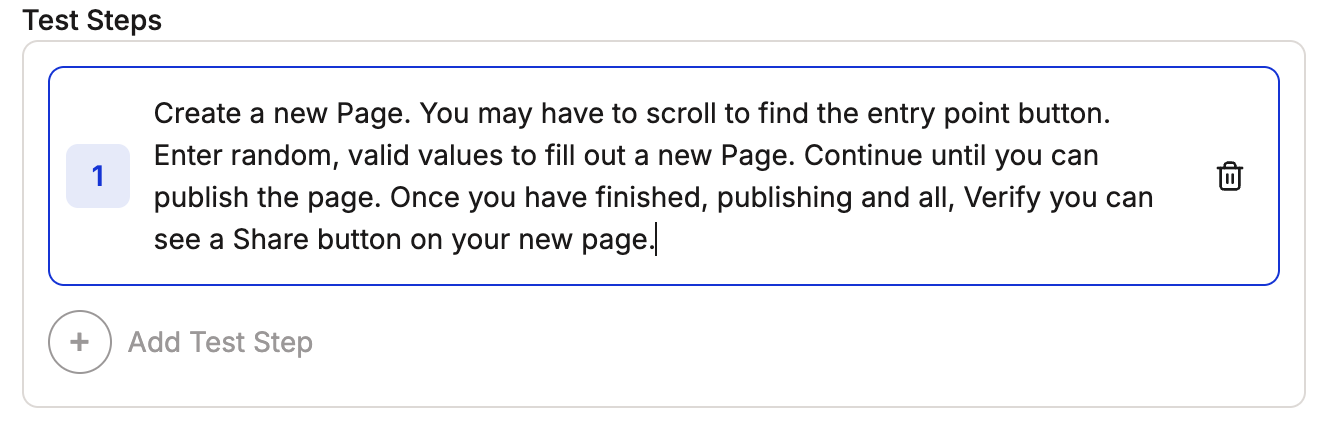 This prompt uses the agent's ability to figure out the right action at each moment. You only need to describe the end goal.
Let the agent carry on a multi-turn conversation autonomously.
```text theme={null}
Once a message appears in your inbox, send a reply. Everytime you receive
a reply, send another message to carry the conversation on. Continue the
conversation for up to 15 minutes.
```
This prompt uses the agent's ability to figure out the right action at each moment. You only need to describe the end goal.
Let the agent carry on a multi-turn conversation autonomously.
```text theme={null}
Once a message appears in your inbox, send a reply. Everytime you receive
a reply, send another message to carry the conversation on. Continue the
conversation for up to 15 minutes.
```
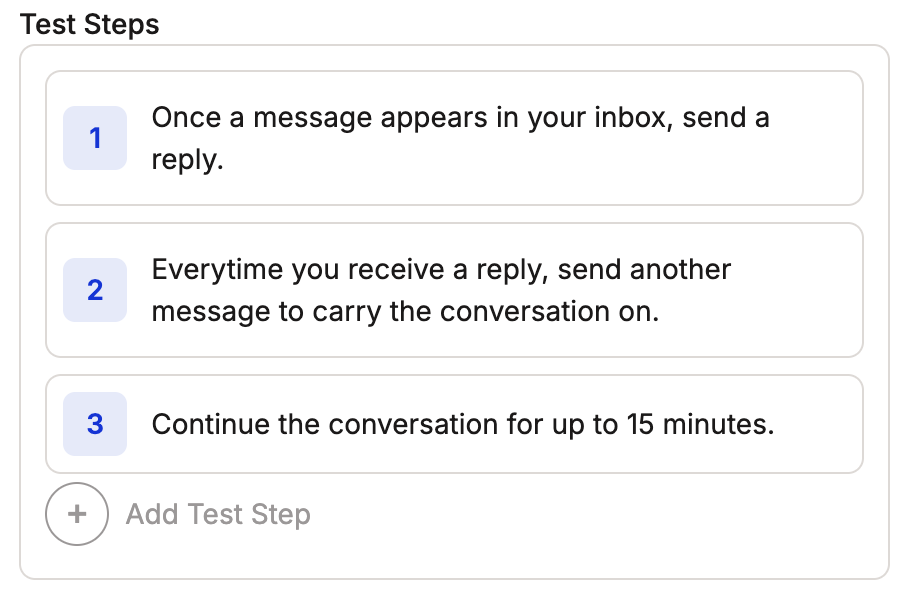 This example leverages the agent's natural language understanding to handle complex message interactions without specifying exact UI elements or steps.
## Tips
Include a goal or stopping point so the agent knows when to finish.
Focus on user goals rather than specific elements.
Allow flexibility in implementation details.
Include key verification points to confirm the test succeeded.
## Next Steps
* Try a different approach with [Persona Based Tests](/getting-started/prompt-library/persona-based-tests)
* Review the [Web Prompting Guide](/getting-started/web-prompting) and [Mobile Prompting Guide](/getting-started/mobile-prompting)
* Write your [first test](/getting-started/first-test)
This example leverages the agent's natural language understanding to handle complex message interactions without specifying exact UI elements or steps.
## Tips
Include a goal or stopping point so the agent knows when to finish.
Focus on user goals rather than specific elements.
Allow flexibility in implementation details.
Include key verification points to confirm the test succeeded.
## Next Steps
* Try a different approach with [Persona Based Tests](/getting-started/prompt-library/persona-based-tests)
* Review the [Web Prompting Guide](/getting-started/web-prompting) and [Mobile Prompting Guide](/getting-started/mobile-prompting)
* Write your [first test](/getting-started/first-test)