> ## Documentation Index
> Fetch the complete documentation index at: https://docs.spurtest.com/llms.txt
> Use this file to discover all available pages before exploring further.
# Other Useful Prompts
> Additional prompt patterns for specialised testing scenarios like chatbot interactions
For specialised testing scenarios that require specific approaches. These patterns cover use cases that don't fit neatly into the other categories.
## Examples
Simulate a real user talking to a chatbot and validate its responses.
```text theme={null}
Initiate a 2 way chat conversation simulating a human, ask questions wait
for the bot to respond, continue to ask question (Always wait 30 secs for
bot response). Verify that the responses from the bot makes sense, that
it is polite, professional, and helpful.
```
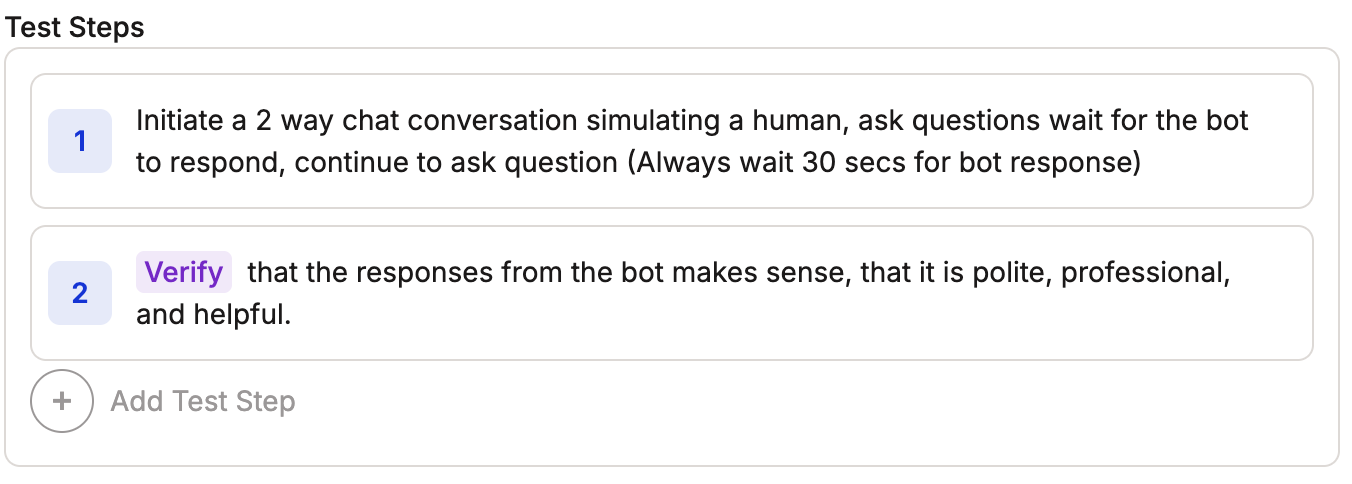 This prompt is useful for testing an AI chatbot — it gives the agent unique responses to send and validates that the chatbot's replies are acceptable.
## Tips
Try different test step prompts to find what works best for your specific testing needs.
Mix patterns from other categories. For example, add a persona to a chatbot test for more realistic interactions.
## Next Steps
* Start from the top with [High-Level Instructions](/getting-started/prompt-library/high-level-instructions)
* Review the [Web Prompting Guide](/getting-started/web-prompting) and [Mobile Prompting Guide](/getting-started/mobile-prompting)
* Write your [first test](/getting-started/first-test)
This prompt is useful for testing an AI chatbot — it gives the agent unique responses to send and validates that the chatbot's replies are acceptable.
## Tips
Try different test step prompts to find what works best for your specific testing needs.
Mix patterns from other categories. For example, add a persona to a chatbot test for more realistic interactions.
## Next Steps
* Start from the top with [High-Level Instructions](/getting-started/prompt-library/high-level-instructions)
* Review the [Web Prompting Guide](/getting-started/web-prompting) and [Mobile Prompting Guide](/getting-started/mobile-prompting)
* Write your [first test](/getting-started/first-test)