
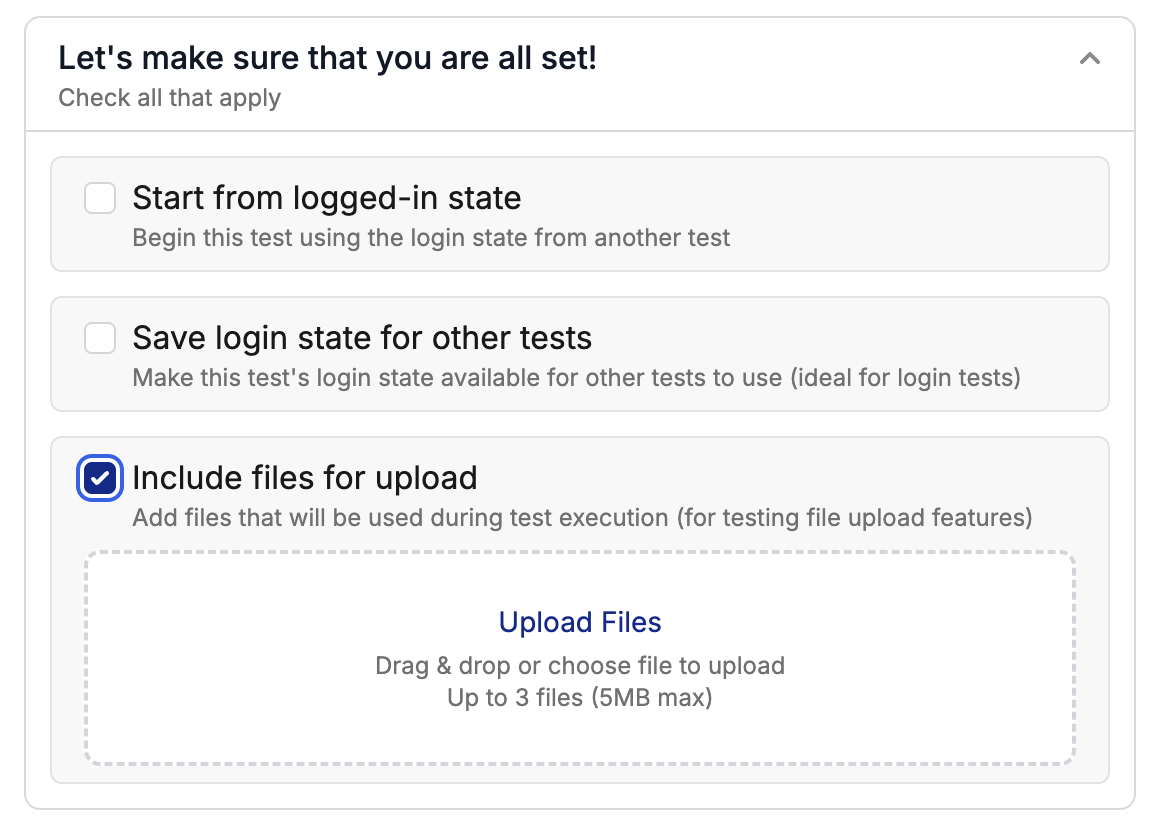
Test Execution
Simply tell the agent to click the upload button, and Spur will handle the rest!
Supported File Types
Troubleshooting
Upload fails
Upload fails
- Verify file size is under 10MB
- Check file type is supported
- Ensure stable internet connection
- Try refreshing the page and uploading again
Files aren't recognized
Files aren't recognized
- Confirm file extensions are correct
- Try uploading files individually
- Clear browser cache and retry