Connecting Spur to GitHub Actions adds an automated quality gate to your pull request workflow. When a PR is opened or code is pushed, Spur triggers your test plans and reports pass/fail results directly on the pull request. Failing tests block a merge before anything reaches production.
Open the Integrations page in your Spur dashboard and connect GitHub.
Open Spur Integrations
Connect Spur with GitHub to get started
2
Open GitHub settings
Once connected, find GitHub on the integrations page and click Settings.
Click Settings on the GitHub integration card
3
Configure your integration
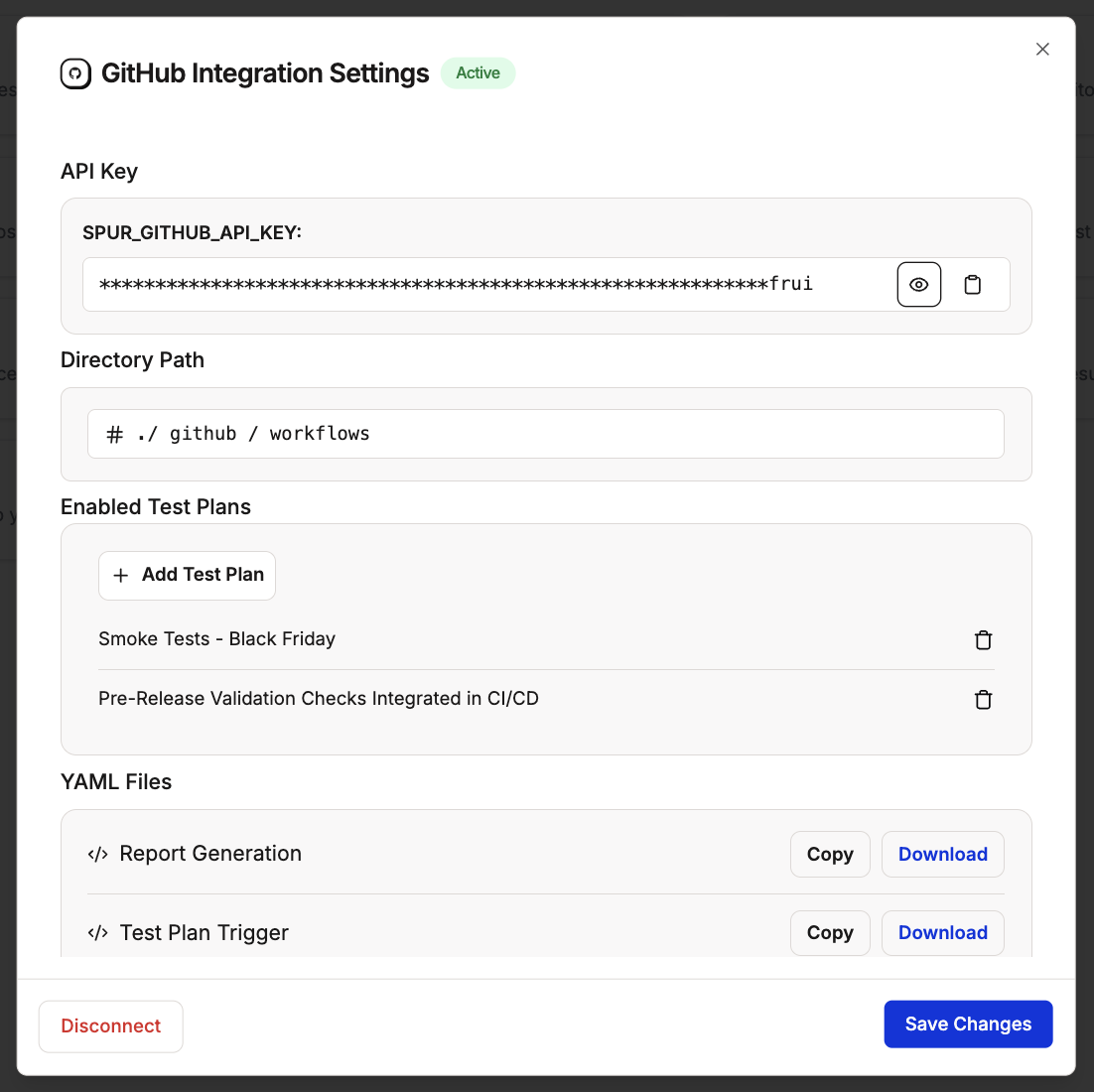
The GitHub Integration Settings page has four sections. Review each one before proceeding.
API key
Your unique Spur API key is displayed here. This is what authenticates your GitHub repository with Spur. Copy it if you need to reference it manually.
Directory path
The path where your GitHub Actions workflow files will be stored. The default is .github/workflows — leave this as is unless your repository uses a custom structure.
Enabled test plans
Select which test plans should run as part of your CI/CD pipeline. Click + Add Test Plan to include additional ones.
YAML files
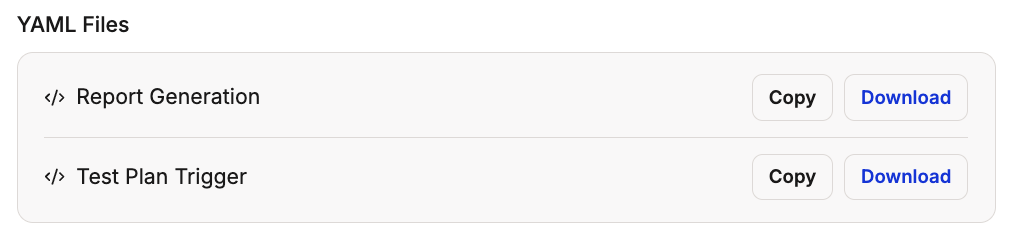
Two workflow files are generated for you here. You will download and add these to your repository in the next step.
Other integrations: You can also allow other integrations to be enabled for GitHub jobs.
Enable other integrations for GitHub jobs
The GitHub Integration Settings page
4
Add the YAML files to your repository
Download both YAML files from the settings page and add them to your repository under .github/workflows/.
These two files are what make the integration work. Without them in your repository, Spur will not trigger on pull requests and no quality gate will be in place. Do not skip this step.
Report Generation — generates and publishes test reports after each run
Test Plan Trigger — tells GitHub when to trigger a Spur test plan run
Add both YAML files to your repository's .github/workflows/ directory
5
Save changes
Click Save Changes to finalize your integration. From this point, Spur will run your selected test plans automatically on every pull request.
This workflow runs when a pull request is opened or updated. It calls the Spur webhook with your API key and the PR’s deploy preview URL, which triggers your selected test plans. Each test plan posts an individual commit status back to the PR as tests execute.
The CICD - All tests status can be used as a required status check in GitHub branch protection rules. This blocks merging until every test plan in the pipeline has passed.To set this up:
Go to your repository’s Settings > Branches > Branch protection rules
Enable Require status checks to pass before merging
Need to test against a Vercel preview deploy or feature branch URL? Use Override URLs to redirect tests at runtime without changing your environment settings.