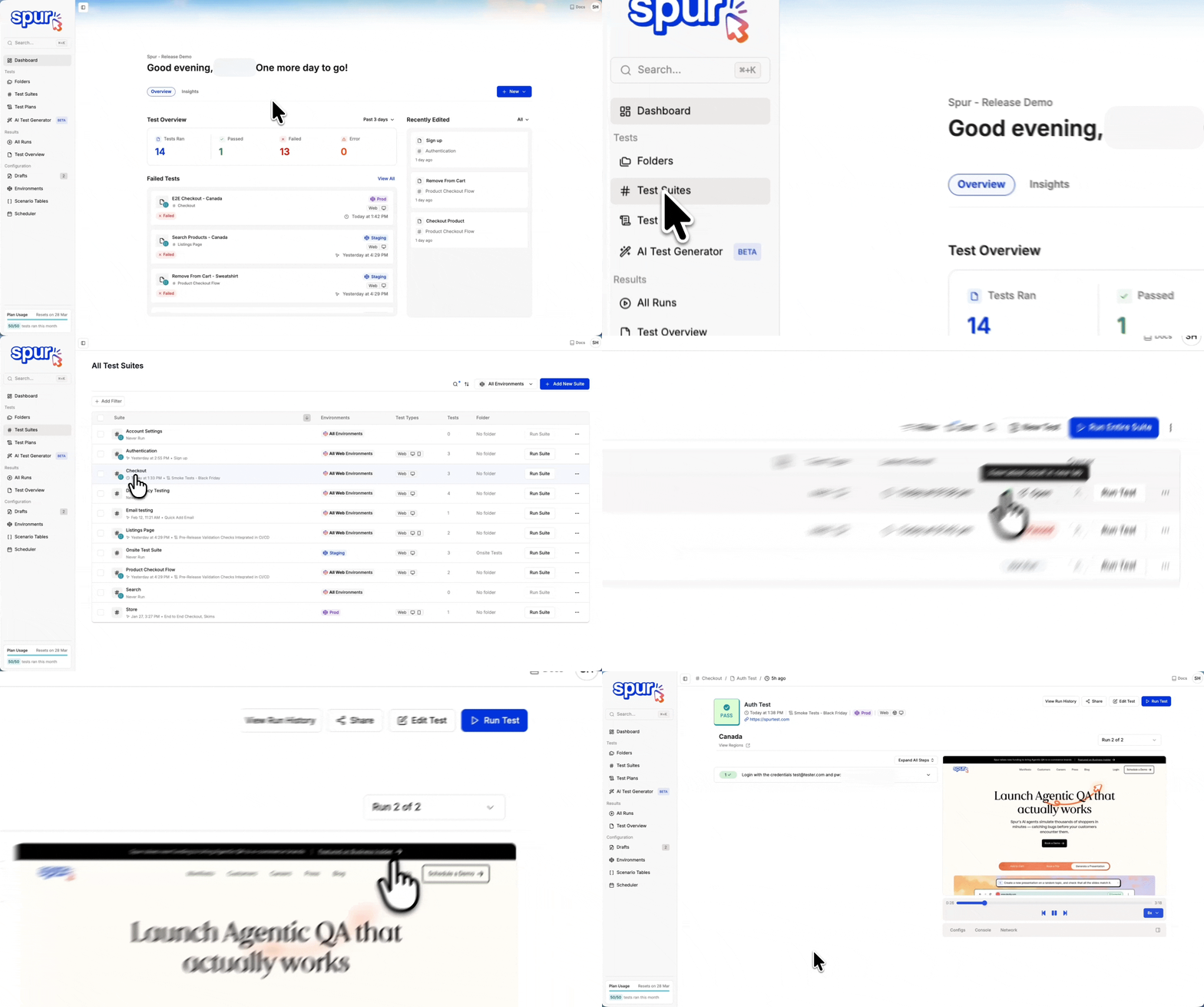
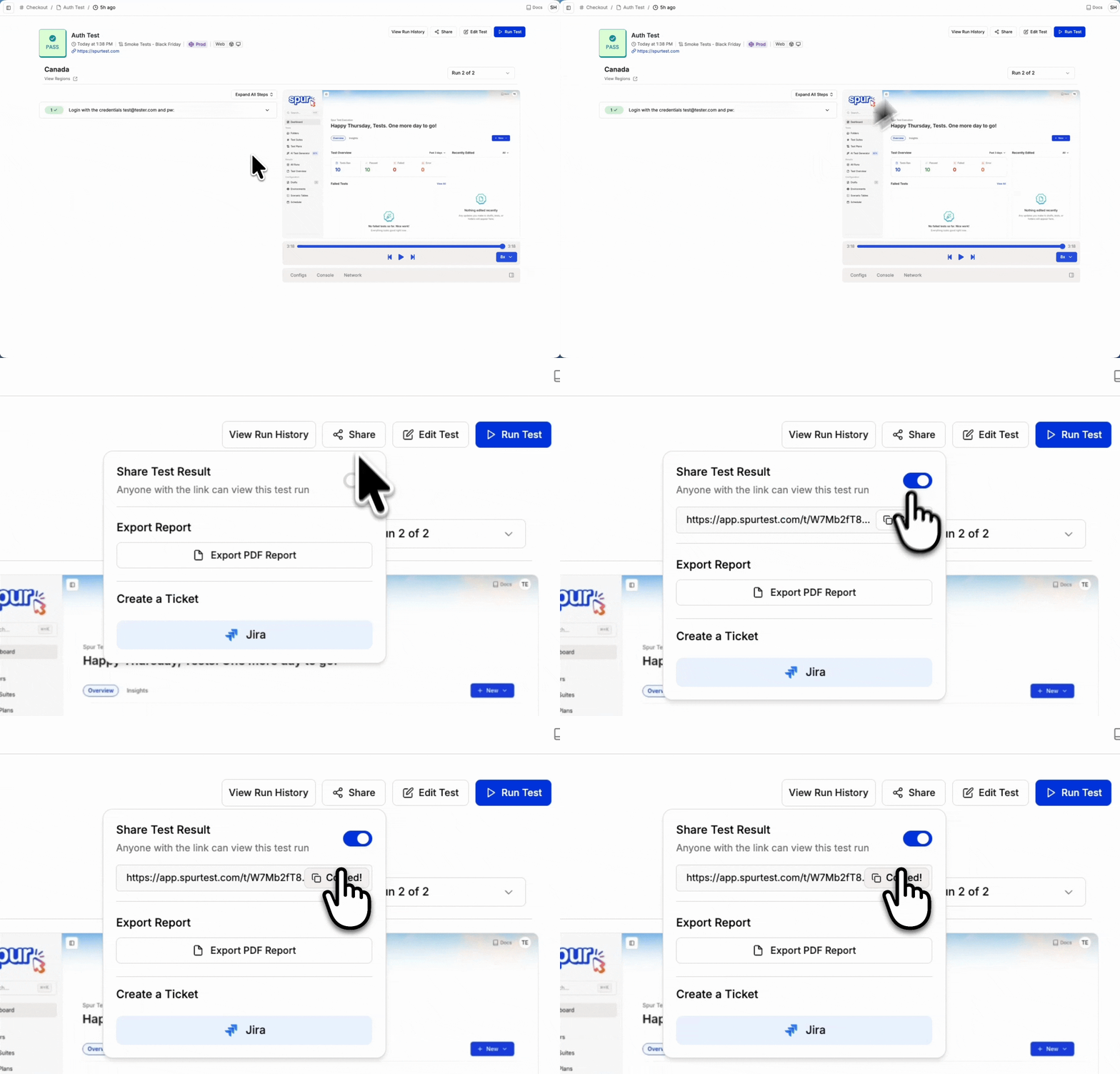
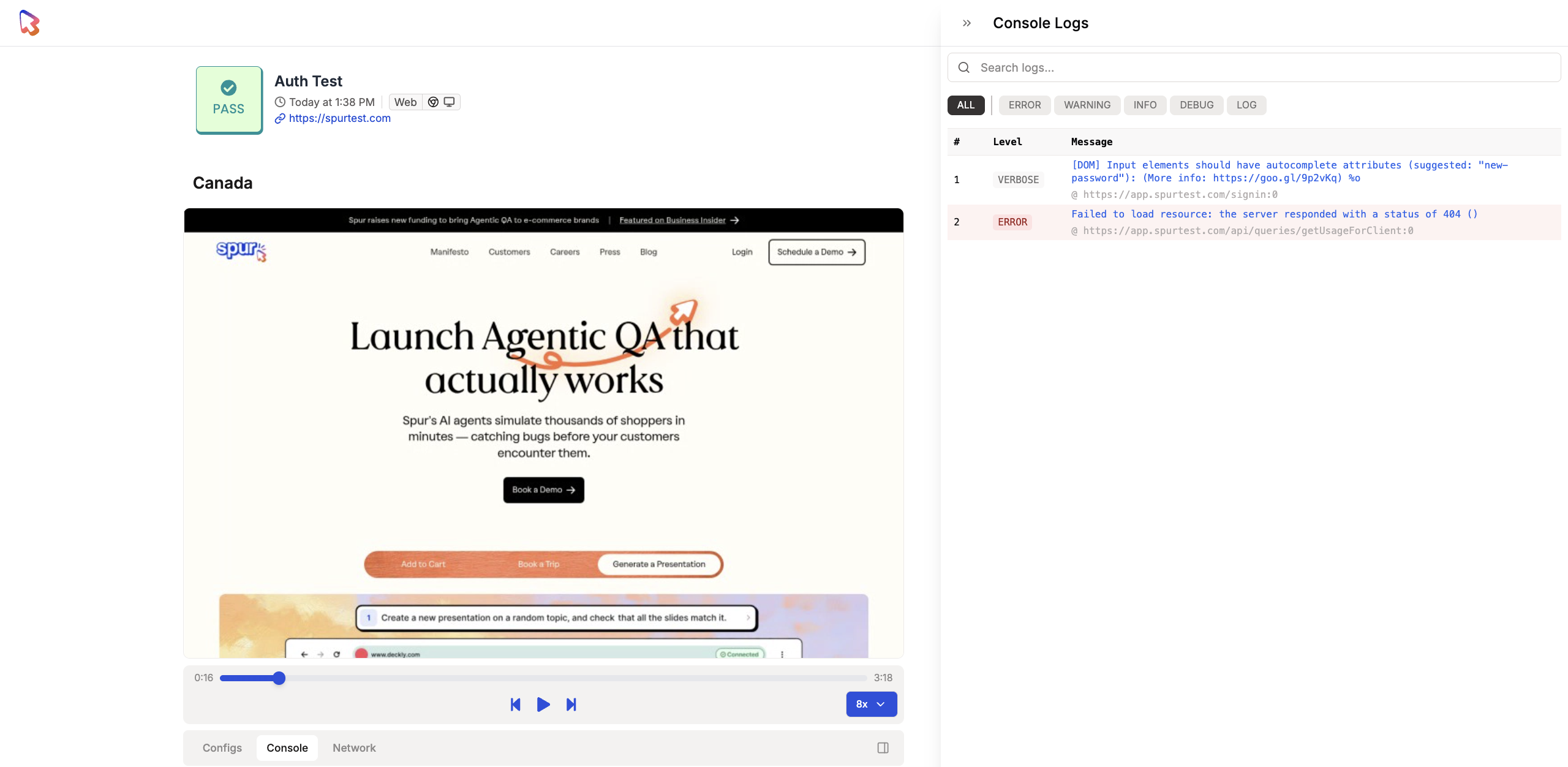
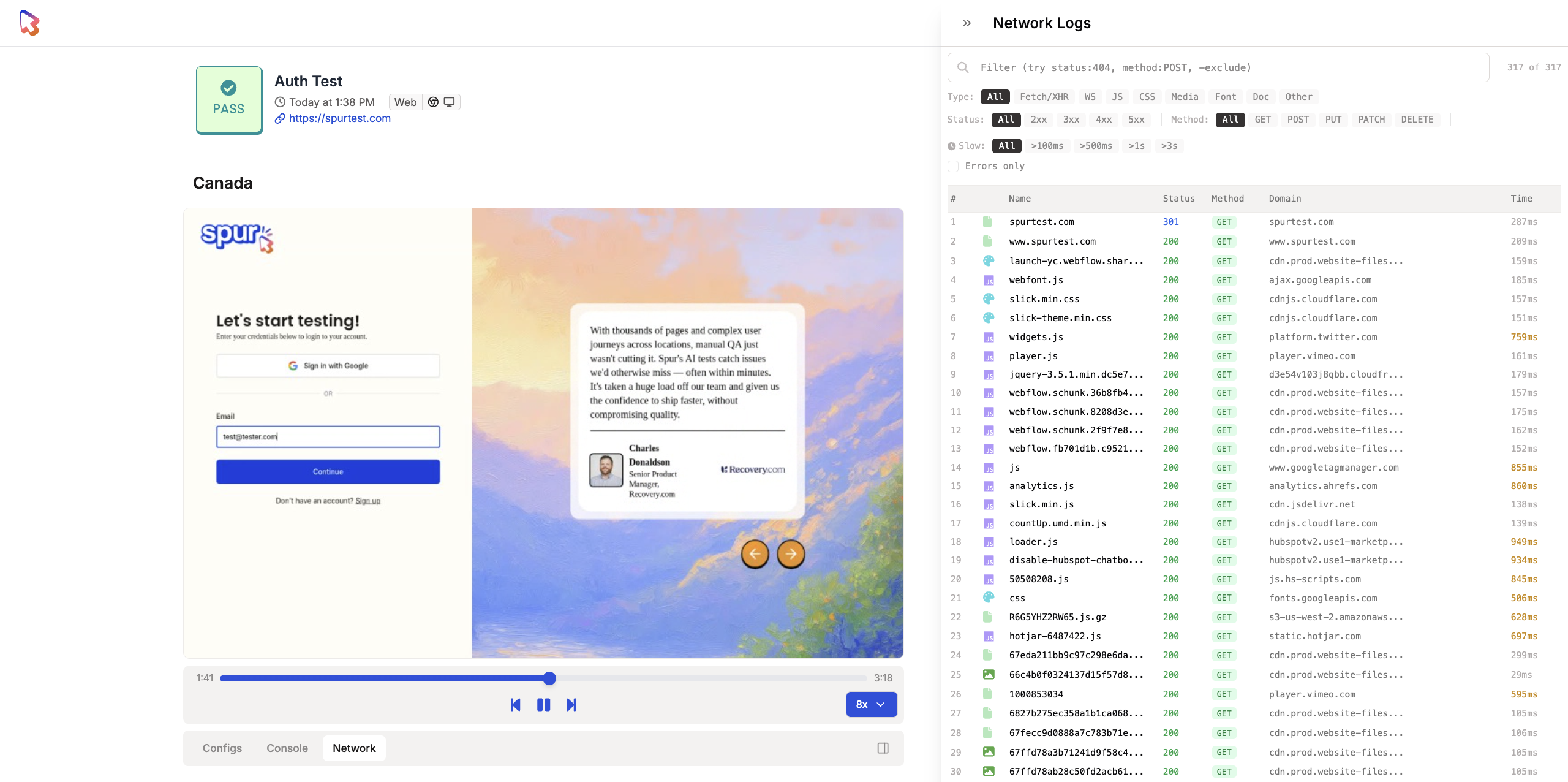
Send a full Spur test result — steps, failure reasons, video replay, console logs, and network logs — to anyone via a shareable link with no login required.
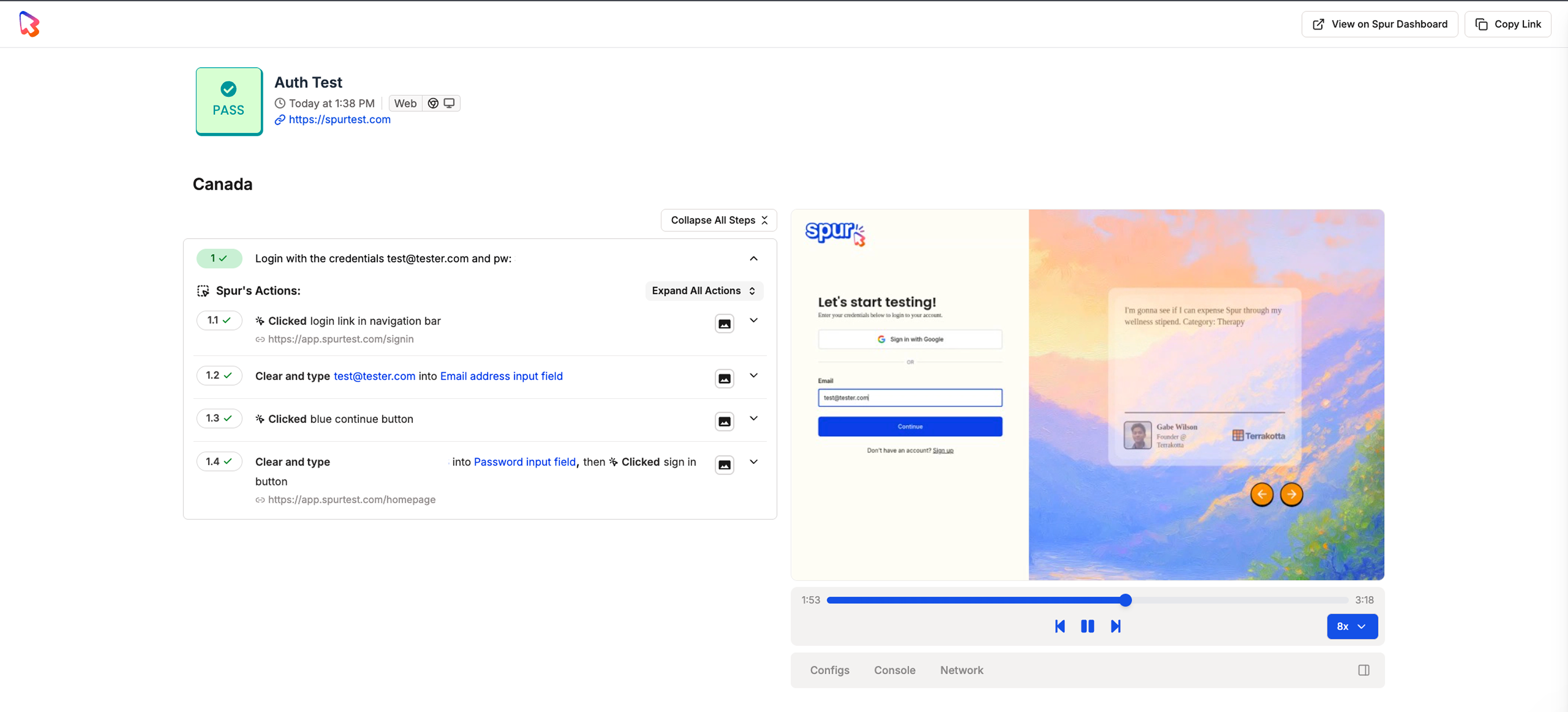
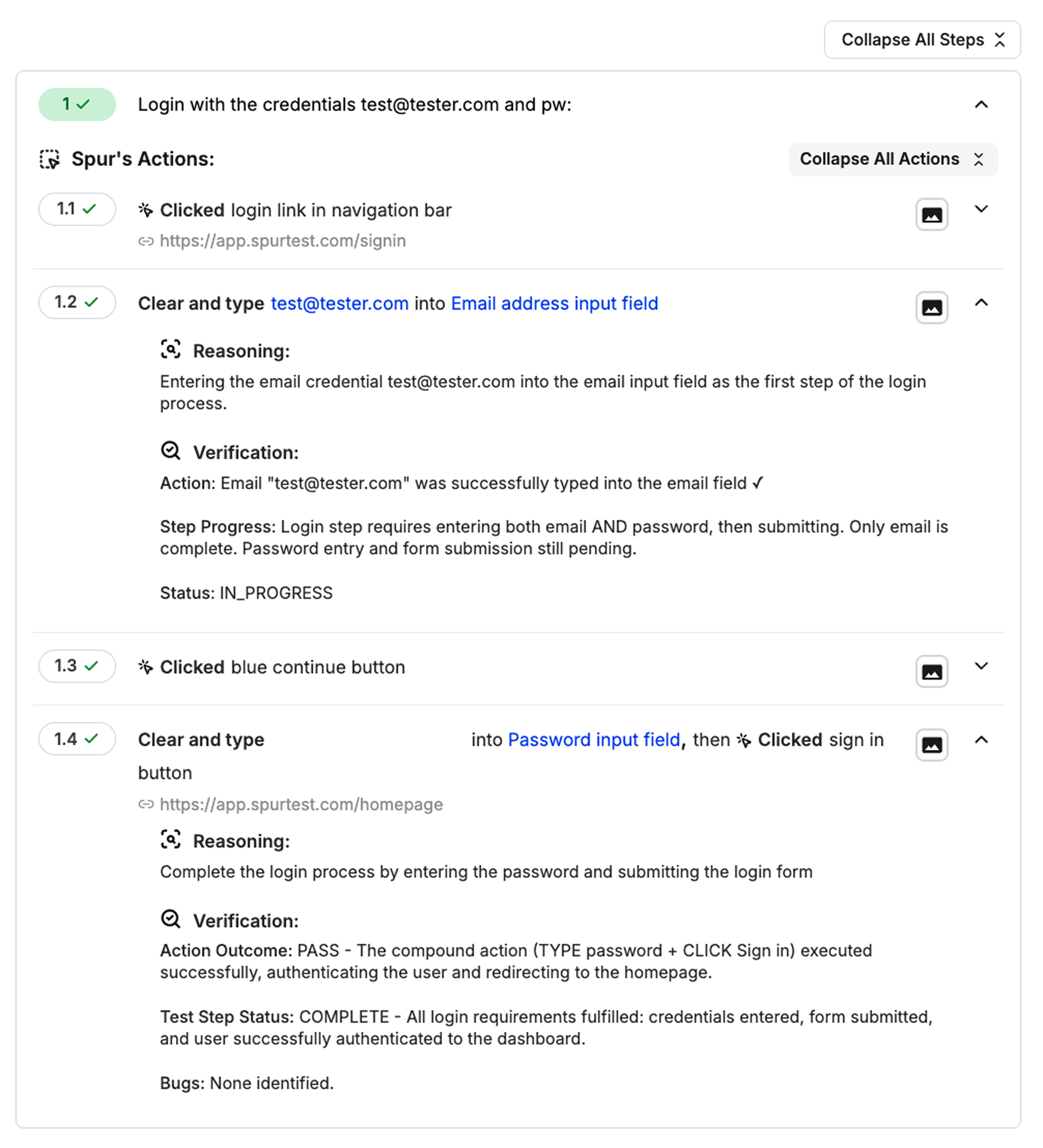
Shareable links let you send a full test result to anyone on your team without them needing a Spur account or being logged in. The recipient gets access to the complete result, including test steps, failure reasons, video replay, console logs, and network logs.
Every test result includes a video replay of the test execution. The replay bar below the video provides these controls:
Play / Pause — Click the play or pause button to start or stop playback. You can also click directly on the video to toggle.
Scrubber — Drag the timeline scrubber to jump to any point in the recording. The scrubber preserves your current play/pause state: if the video is paused when you scrub, it stays paused at the new position. If it is playing, playback resumes automatically after you release.
Skip forward / backward — Step through the recording in increments.
Playback speed — Adjust the speed to review results faster or slow down for detailed inspection.
Fullscreen — Expand the video for a closer look. All controls remain available in fullscreen mode.
Download — Download the recording for offline viewing or sharing outside Spur.