
Documentation Index
Fetch the complete documentation index at: https://docs.spurtest.com/llms.txt
Use this file to discover all available pages before exploring further.
What are Environments?
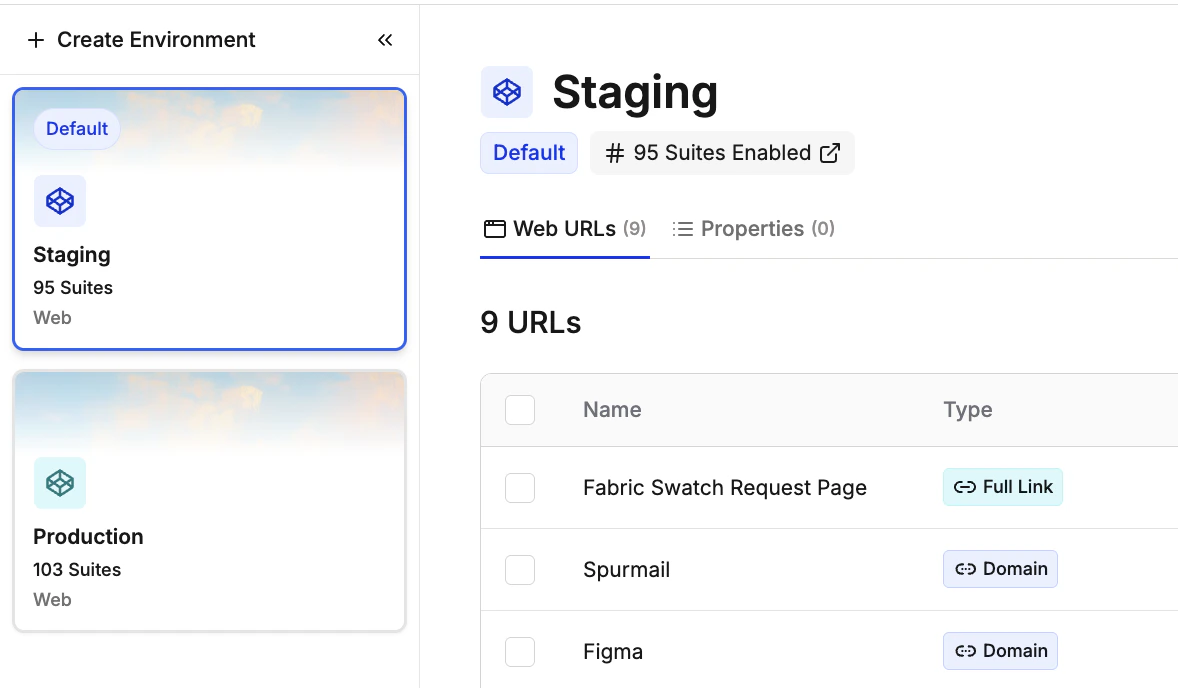
An environment represents a specific deployment of your application where tests can be executed. Common examples include:Development
Your local or dev server for early-stage testing
Staging
Pre-production environment for final validation before release
Production
Live production environment for monitoring real user experiences
Feature Branches
Temporary environments for testing new features in isolation
Key Benefits
No Test Duplication
Write tests once, run them across all environments without copying test code.
Easy Comparison
Compare test results across environments to identify environment-specific issues.
Parallel Testing
Run the same test across multiple environments simultaneously for faster validation.
Environment-Specific Config
Each environment has its own URLs, credentials, and variables that automatically apply.