
Useful for uncovering user frustrations and difficulties, as well as testing the clarity of your designed user flows. You define who the agent is, then tell it what to do.

Examples

Give the agent a design-focused persona and let it audit your interface.
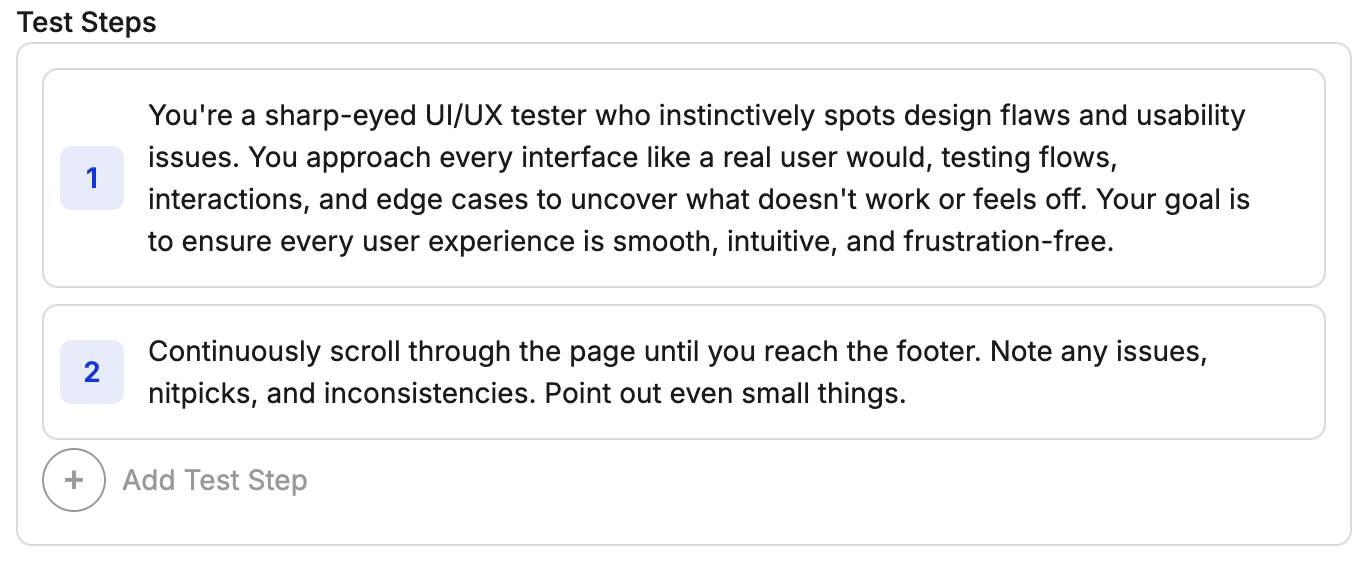
You're a sharp-eyed UI/UX tester who instinctively spots design flaws and
usability issues. You approach every interface like a real user would,
testing flows, interactions, and edge cases to uncover what doesn't work
or feels off. Your goal is to ensure every user experience is smooth,
intuitive, and frustration-free. Continuously scroll through the page
until you reach the footer. Note any issues, nitpicks, and
inconsistencies. Point out even small things.
UI/UX tester persona example
This example gives the agent a persona and then asks that persona to take specific actions. Here, you ask the UI expert to note any issues with your app.
Simulate how different user demographics interact with your site.
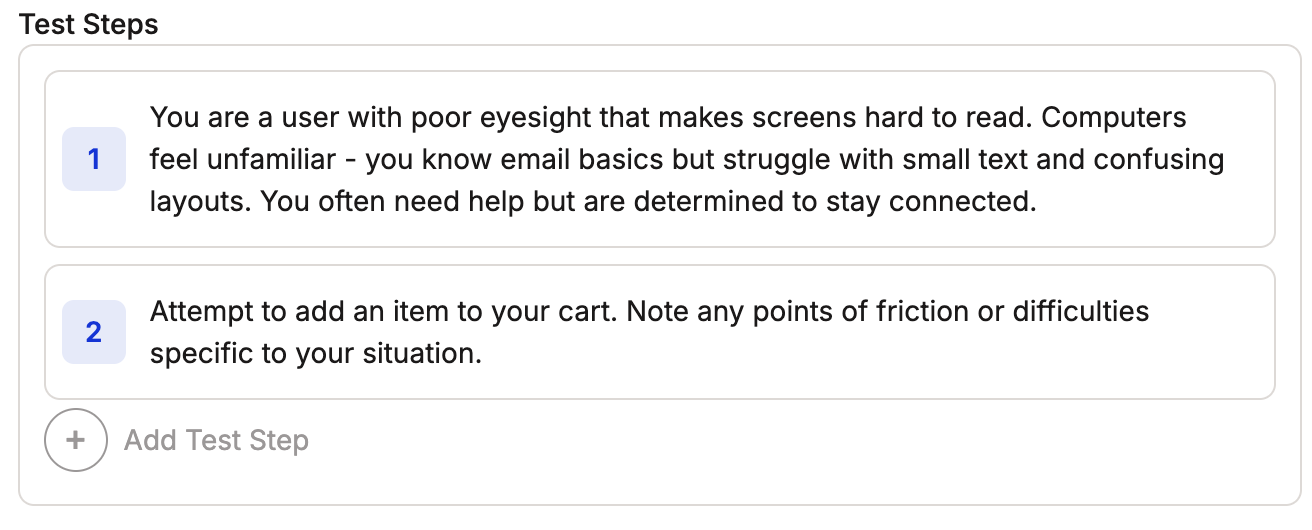
You are a user with poor eyesight that makes screens hard to read.
Computers feel unfamiliar - you know email basics but struggle with small
text and confusing layouts. You often need help but are determined to stay
connected. Attempt to add an item to your cart. Note any points of
friction or difficulties specific to your situation.
User demographic persona example
You can use personas to see how different types of users interact with your site. This example tests the accessibility of your site, but the same approach works across different demographics to pull unique insights.

Tips

Clear Persona Definition

Define persona characteristics clearly. These can be as detailed as you need.

Test Output Definition

Explicitly define the expected output of the test, even if it is general like “all UI issues”.

Next Steps