
1. Sign in
Go to app.spurtest.com/signin. If a teammate invited you, open the link in your invite email first to create your password. See Signing in for SSO and two-step verification.2. Invite your team
Admins invite people from the Account page:- Click Add Member.
- Enter a Display Name and Email, then click Add Member.
3. Add the site you want to test
Spur runs tests against an environment, such as production or staging. Every application starts with one called Default Environment.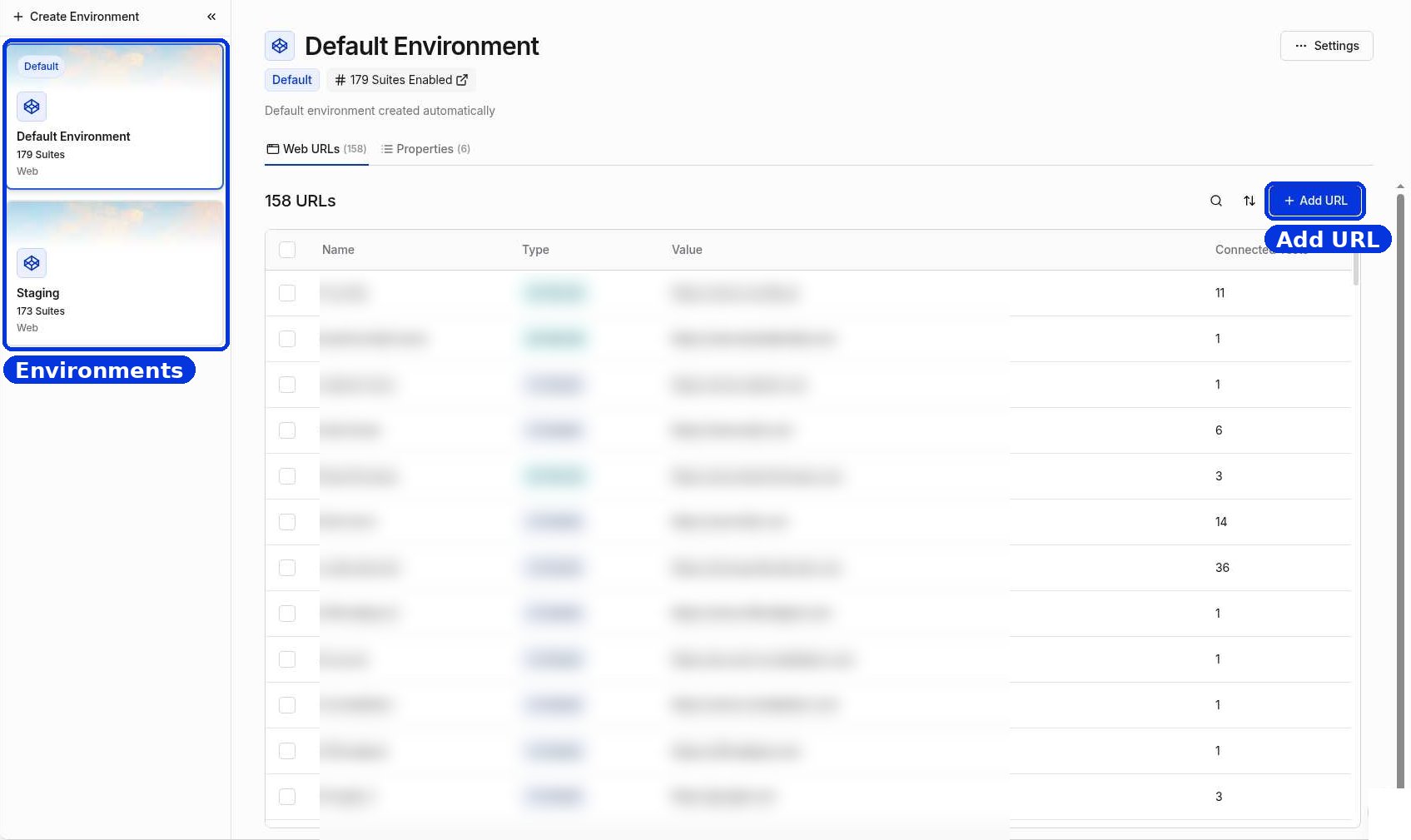
Open Environments from the left sidebar
- Open Environments in the left sidebar.
- Pick an environment on the left, or click Create Environment to add another one, such as staging.
- Click Add URL and enter your site’s address.
If Spur can’t reach your site
Spur runs in the cloud. If your site sits behind a login prompt, firewall, or VPN:- Add an HTTPS credential (a username and password) to the environment. See Environment properties.
- Or allow Spur’s IP addresses. See IP whitelisting.