
Overview
The hover action moves the mouse cursor over a specific element on the page. This is essential for interacting with dropdown menus, tooltips, nested navigation, and scrollable containers.Basic Usage
Move the cursor over any element by describing it in natural language.
Hovering over an element
Common Hover Combinations
Hover actions frequently work in combination with other actions.Hover then Scroll
Use hover to position the cursor over a scrollable container before scrolling within it.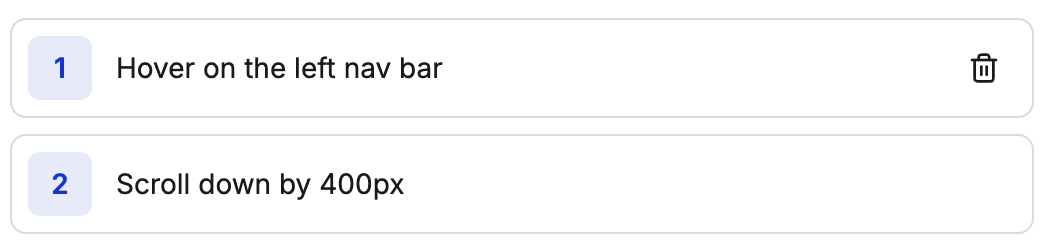
Hover on a scrollable container, then scroll
Keep the cursor over the container while scrolling. Use specific pixel values for scroll amounts and add Wait actions if needed for smooth interactions.
Hover for Dropdown Menus
Hover over a dropdown trigger to reveal its contents, then interact with the revealed options.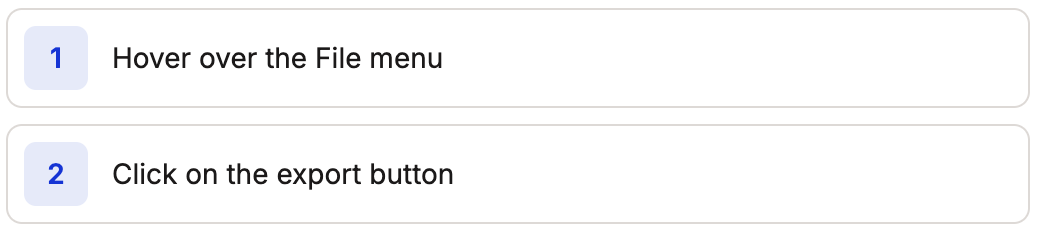
Hovering over a dropdown menu
Hover for Nested Menus
Hover over a parent menu item, wait for the submenu to appear, then hover over the submenu items.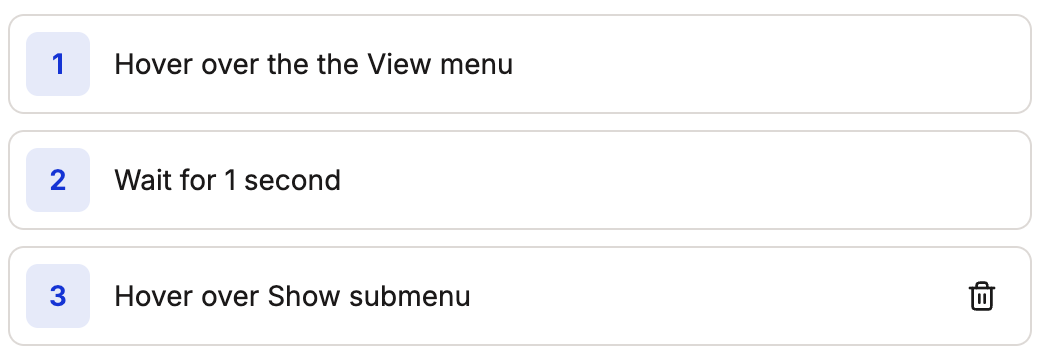
Navigating nested menus with hover