
Overview
The select action handles dropdown interactions. The approach differs depending on whether the dropdown is a native system element or a custom-built component.System Dropdowns
Use the select action for native browser dropdowns (HTML<select> elements).
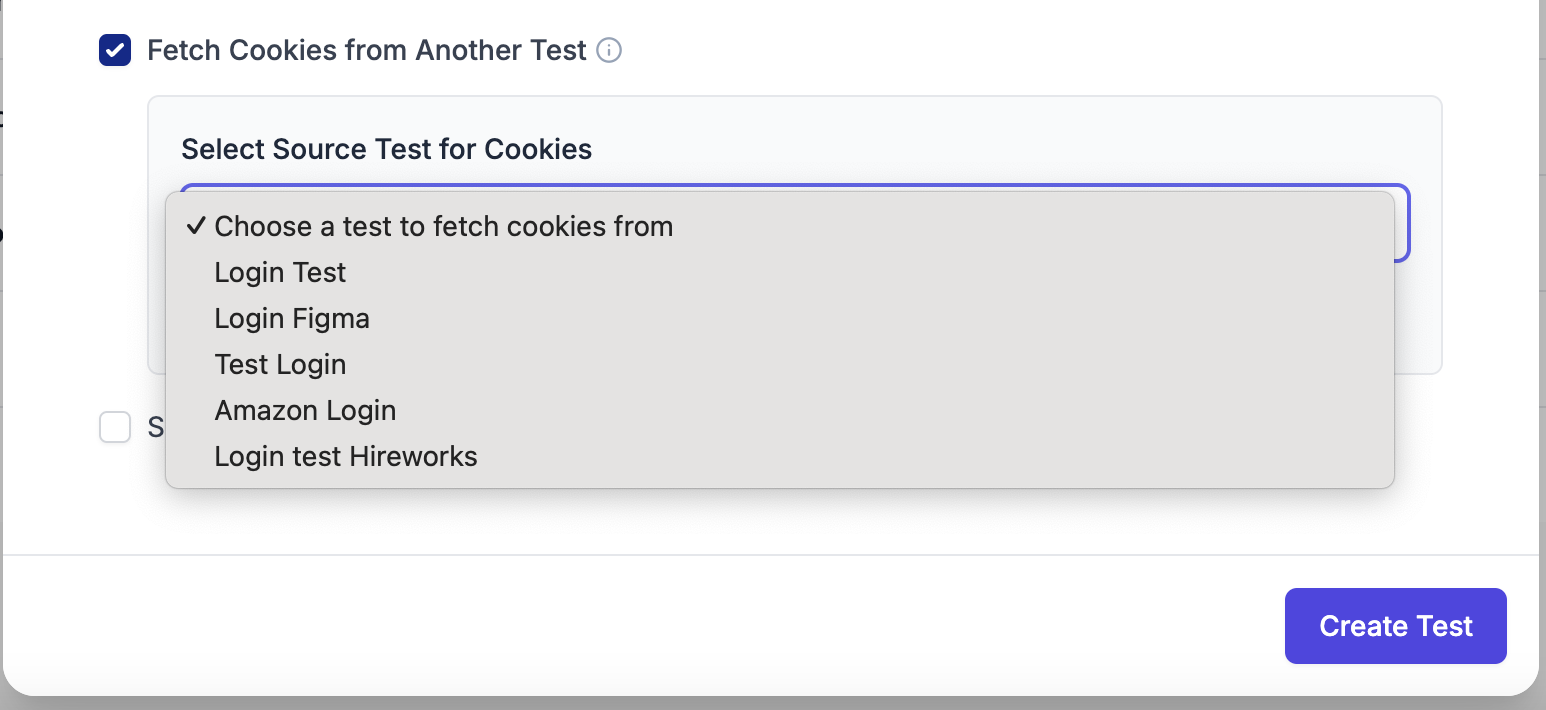
Example of a system (native) dropdown

Using select with a system dropdown
Custom Dropdowns
Custom dropdowns are built with non-native HTML elements and require a different approach. You can handle them with either click actions or typing actions.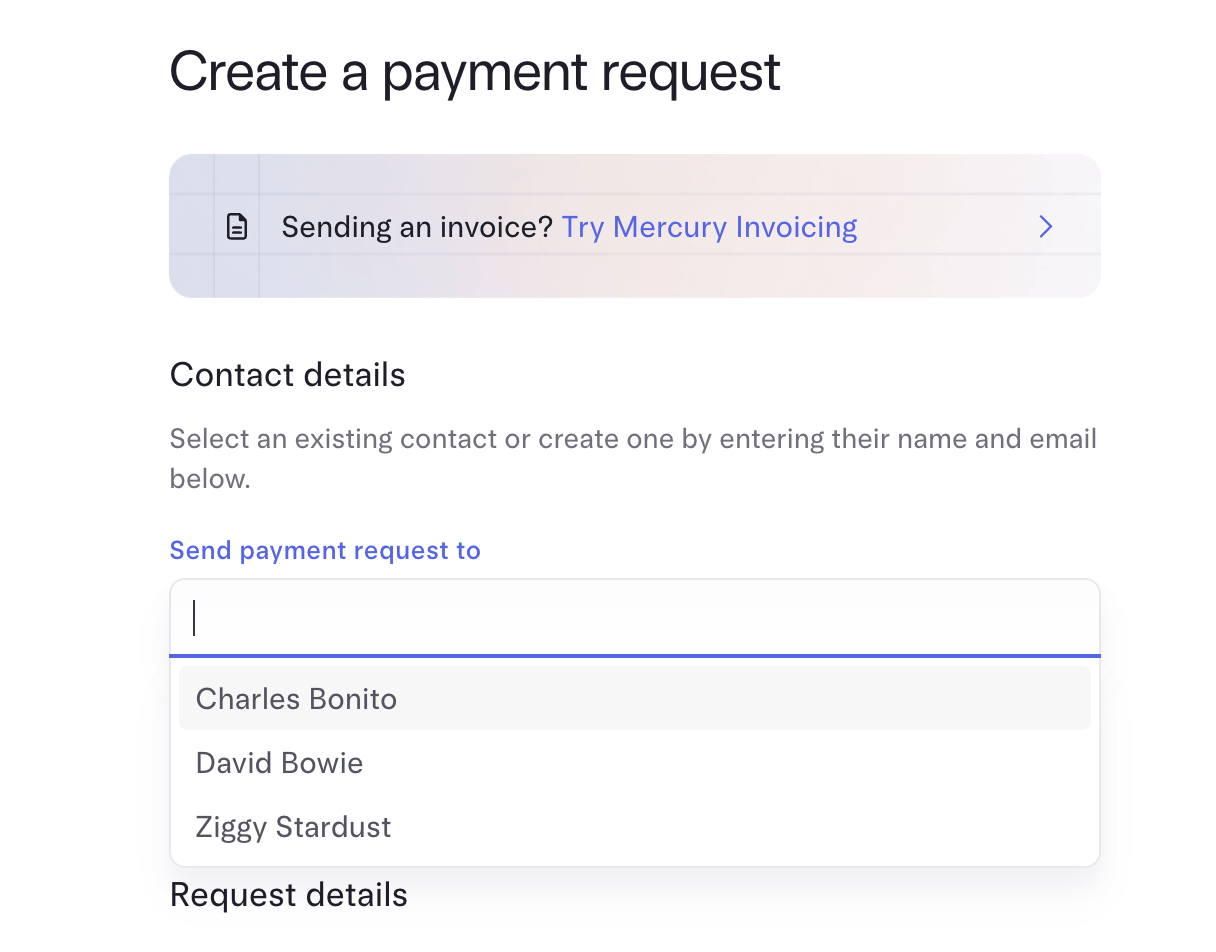
Example of a custom dropdown with click and typing functionality
Using Click Actions
Click the dropdown to open it, then click the desired option.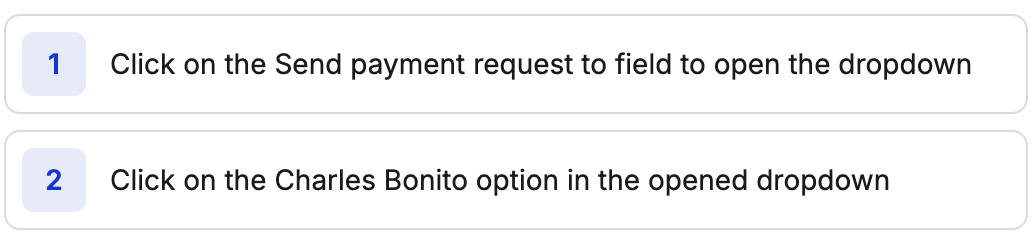
Handling a custom dropdown with click actions
Using Typing Actions
Type into the dropdown’s search field to filter options, then select the result.
Handling a custom dropdown with typing actions